Our first baby monitor was an audio-only unit from a big box store. It picked up every noise in the nursery — the fan, the white noise machine, and the cat who somehow got in there — but couldn’t tell us whether the baby was actually crying or just rustling. We checked the nursery physically about 15 times a night for the first month because the audio monitor gave us anxiety instead of peace.
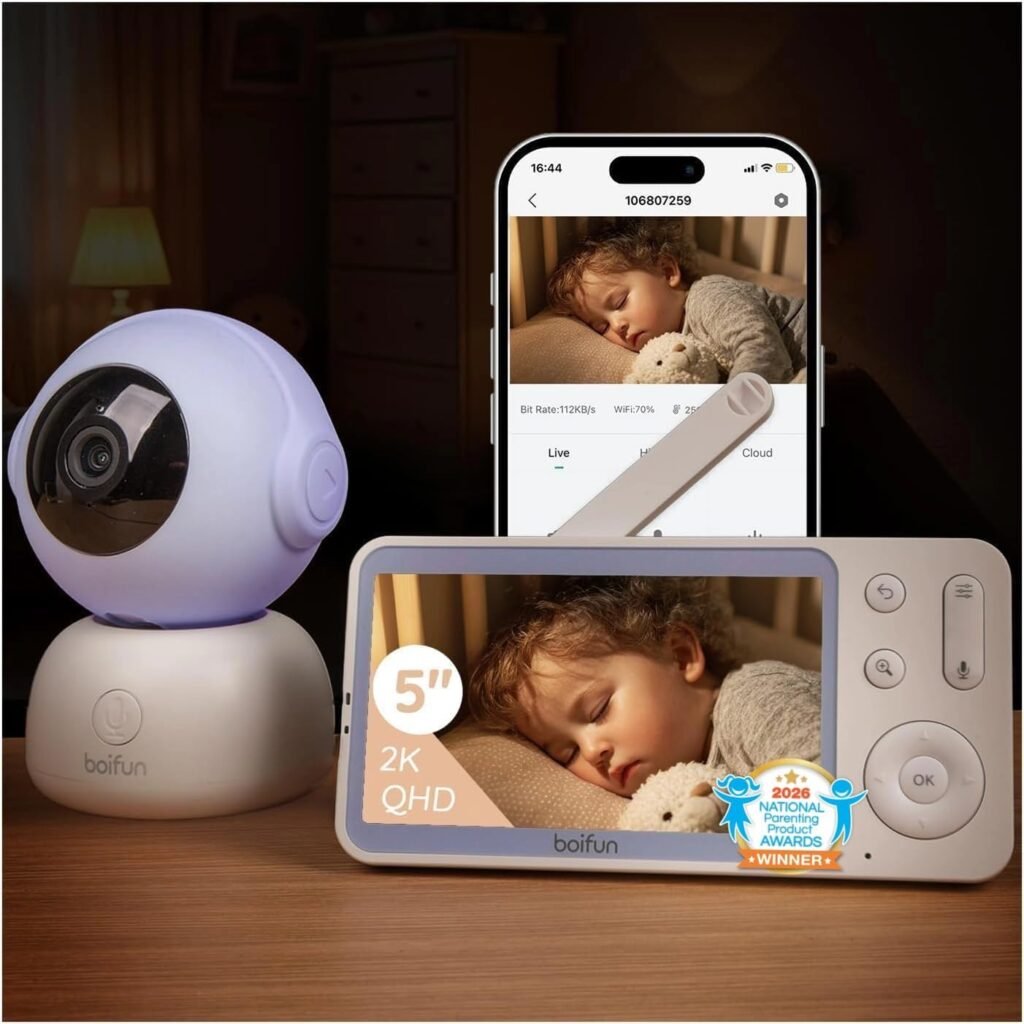
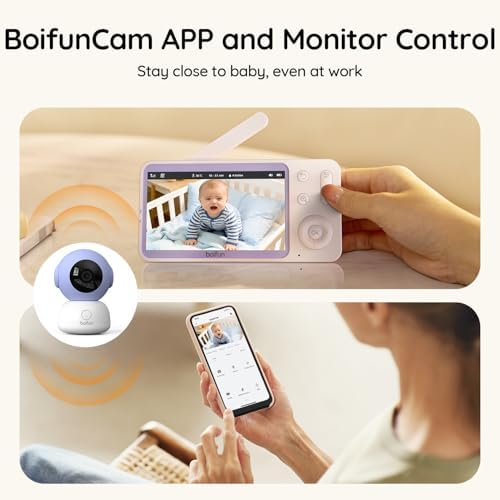
The smart video monitor we switched to has cry-specific detection, HD video with night vision, and sends alerts to both our phones simultaneously. When the baby cries, we see a live feed instantly on our phones with a notification that distinguishes crying from ambient noise. The physical nursery checks dropped from 15 per night to 2, and we both actually sleep now.
The HD Smart Monitor With Cry Detection and Dual-Parent Alerts
This is one of Amazon’s top-rated smart baby monitors in the $70 range — featuring 1080p HD video, infrared night vision, AI-powered cry detection, two-way audio, and multi-user app access for alerts sent to both parents.
What separates a smart baby monitor from a basic camera:
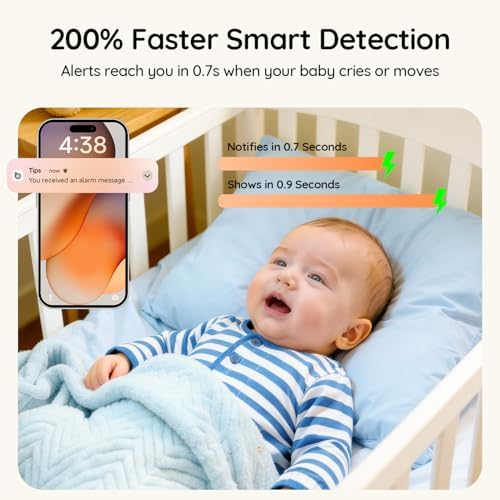
– AI cry detection — distinguishes crying from white noise, fans, and general room sounds, reducing false alerts
– 1080p HD with night vision — see clearly in complete darkness without disturbing the baby with visible light
– Multi-user access — both parents receive alerts simultaneously on separate phones
– Two-way audio — soothe the baby with your voice from another room before deciding to go in
– Temperature and humidity sensors — alerts if nursery conditions fall outside safe ranges
WiFi Monitor vs. Dedicated Monitor: Security and Reliability
The two main categories of baby monitors have different strengths:
– WiFi smart monitors: app-based, unlimited range, AI features, accessible anywhere — requires stable WiFi and raises privacy considerations
– Dedicated RF monitors: closed signal, no internet required, no hacking risk — limited range, no smart features, no phone alerts
– For dual-parent households where one parent travels, WiFi monitors allow monitoring from anywhere with cell service
– For maximum security, choose a monitor with end-to-end encryption and two-factor authentication on the app
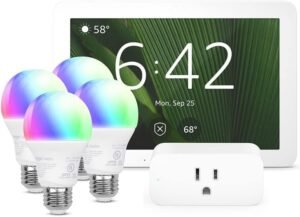
A smart baby monitor integrates with the broader nursery and home setup. The smart home hub guide covers how to connect baby monitors, smart lights, and sound machines into automated nursery routines — like dimming lights automatically when the monitor detects the baby has fallen asleep.
Before vs. After the Smart Video Monitor
Before:
– Audio-only monitor triggered on every sound — couldn’t distinguish crying from white noise
– Physically checked the nursery 10–15 times per night out of uncertainty
– Only one parent could hear the monitor — whoever was closer to the base station
– No way to check on the baby without walking to the nursery
After:
– Cry detection filters out ambient noise — alerts only when the baby is actually crying
– Quick glance at phone shows live HD video — most nighttime checks resolved without leaving bed
– Both parents receive simultaneous alerts — whoever is closer or more awake responds
– Two-way audio lets us soothe with voice before committing to getting up — works about half the time
5 Tips for Setting Up a Smart Baby Monitor
– Mount the camera high and angled downward — crib-level cameras create blind spots and are within baby’s eventual reach.
– Use a dedicated WiFi network or band for the monitor — sharing bandwidth with streaming and gaming causes video lag during the moments that matter most.
– Enable two-factor authentication on the app immediately — baby monitors are a known target for unauthorized access.
– Set cry sensitivity to medium initially and adjust — too sensitive triggers on every sigh, too low misses soft cries.
– Test the alert system with both parents’ phones before the first night — confirm both receive notifications simultaneously and the video loads quickly.
For automating the nursery environment around the monitor’s data, the smart light switch guide covers how to set up hallway lights that turn on automatically at low brightness when you need to walk to the nursery at night.
Q&A: Smart Baby Monitor Questions People Search For
Q: Can baby monitors be hacked?
WiFi cameras can be vulnerable if not properly secured. Choose a monitor with end-to-end encryption, use a strong unique password, enable two-factor authentication, and keep firmware updated. Reputable brands patch security vulnerabilities regularly.
Q: Is there a monthly subscription?
Live viewing and basic alerts are typically free. Some brands charge for cloud video storage, AI features, or extended alert history. Check what’s included before buying — the best value monitors include cry detection without a subscription.
Q: How far does the WiFi signal reach?
As far as your WiFi network reaches — which means the monitor works from anywhere in your house and beyond. If your nursery has weak WiFi signal, a mesh network extender solves the problem permanently.
Q: Does night vision emit any light?
Infrared LEDs emit a faint red glow that’s invisible to babies and won’t affect sleep. Some models have a toggle to turn off the LED indicator light on the camera body, which is a brighter concern than the IR illumination.
Final Take
A smart video baby monitor with cry detection replaces anxiety-driven nursery checks with data-driven confidence. You see the baby, you hear the specific cry, and both parents get the alert simultaneously. The result is more sleep for everyone and fewer unnecessary trips down the hallway.
HD video. Cry detection. Both parents alerted.
Smart monitor on. Anxiety down. Everyone sleeps better.
Affiliate disclosure: This article may contain affiliate links. If you purchase through them, SimpleHomeGadgets.com may earn a small commission at no additional cost to you.